
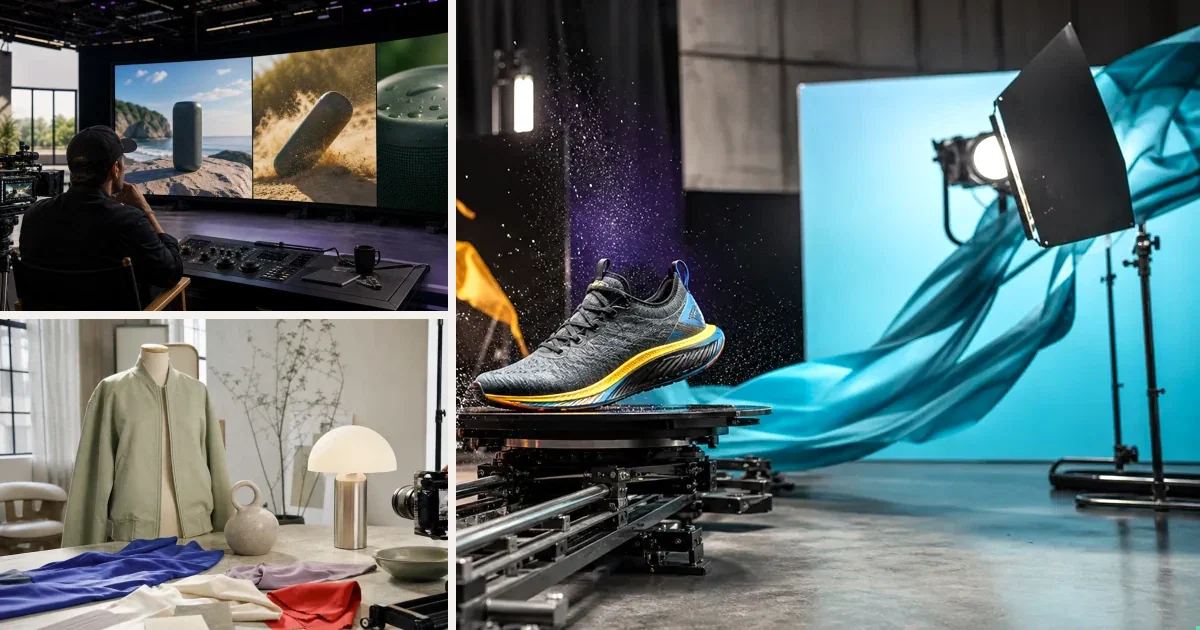
Studio benchmark: 225 credits per 10-second video at 720p (1080p: 330, 4K: 660), in 9:16 or 16:9. About $1.58 on the $7 pack or $1.35 on the $300 pack. Reference video changes the price; see the full grid on /prices. Other Lab models and Workflows vary; check the estimate before you run.
InVideo assembles content; Runway crafts footage. InVideo is the generalist's tool (prompt → stock+AI assembly); Runway is the filmmaker's instrument (frame-level control, best-in-class generation). Marketers wanting finished ads fast fit neither perfectly.
Side by side
| InVideo AI | Runway | |
|---|---|---|
| User | Content generalists | Filmmakers/creatives |
| Control depth | Prompt-level | Frame-level |
| Quality ceiling | Good | Among the best |
| Learning curve | Low | Real |
| Cost shape | Subscription | Subscription, credits mid-project |
Who should pick which?
Pick InVideo AI if you publish varied content weekly and want a finished video from a prompt with a low learning curve. Accept the trade: prompt-level control, and subscription tiers that gate premium models and exports.
Pick Runway if footage quality is the job and someone on the team will put in the hours. Frame-level control and a ceiling among the best — behind a real learning curve, on credits that can run out mid-project.
Pick neither if the deliverable is product video ads at volume. InVideo starts from a prompt, Runway from a blank timeline; product ads start from a product.
What does one video actually cost?
Both tools are subscriptions, so the honest per-video number is tier price ÷ videos you shipped that month. A zero-output month makes every video you did make more expensive.
The $7 pack contains 1,000 credits and covers 4 full 10-second Studio videos at 225 credits each, with 100 credits left over. Credit consumption costs about $1.58 per video; the full pack is paid upfront and unused credits never expire.
Weighing production costs against potential value? Explore the research on product video and buying decisions, with sources and video examples.
The question that actually decides it
Not "which is better" — "what's your job?" Match the tool to the output shape you need weekly, the person who'll operate it, and what you pay in months you don't produce. Most regret in this category is a job mismatch, not a quality gap.
When should you switch?
Watch for four signals. Subscription months with no output. Hitting InVideo's tier gates on models or exports right when a deadline lands. Runway credits dying mid-project. Or the brief changing from varied content to product ads — a different job than either tool was picked for.
Switching out of InVideo is cheap; the low learning curve cuts both ways — easy in, easy out. Leaving Runway is harder, because the craft is the investment. Either way, run one real project on the alternative before you cancel anything. Output settles it, not feature lists.
The third option
If the job behind this comparison is product video ads, there's a route neither takes: start from the product URL. v4v extracts the product data, builds the brief, and generates directed 9:16 ads on Seedance 2.0 / Kling 3.0 / Veo 3.1 at ~$1.58 per video, pay-per-use, no subscription. Different category than either tool above — which is sometimes exactly the point.
The third option: start from the product
If the job is product ads, skip the script — paste a URL and judge the output.
From $7 · no subscription, ever · credits never expire
FAQs
Can I use InVideo AI and Runway together?
Teams do — they solve different halves. Check total subscription load against actual monthly output first.
Which is cheaper?
Depends on utilization — both are subscriptions, so effective per-video cost is price ÷ videos you actually make. Run last month's real numbers.
Can a beginner get good results from Runway?
Eventually. The ceiling is among the best, but the learning curve is real. InVideo AI gets a beginner to a finished video much faster; the ceiling is just lower. Decide based on who will actually operate the tool.
Do Runway credits roll over?
Not reliably — they can run out mid-project and do not always roll over. Verify the current policy on your tier before starting anything long.
What does an AI product video cost without a subscription?
The $7 pack contains 1,000 credits and covers 4 full 10-second Studio videos at 225 credits each, with 100 credits left over. Credit consumption costs about $1.58 per video; the full pack is paid upfront and unused credits never expire.
Is InVideo AI good for product video ads?
It can assemble them, but it starts from a prompt, not a product. A URL-first flow builds the brief from the product page itself. InVideo makes more sense when your calendar is mostly non-ad content.
Facts checked July 16, 2026. Competitor claims from public pricing pages; verify before relying on them.