
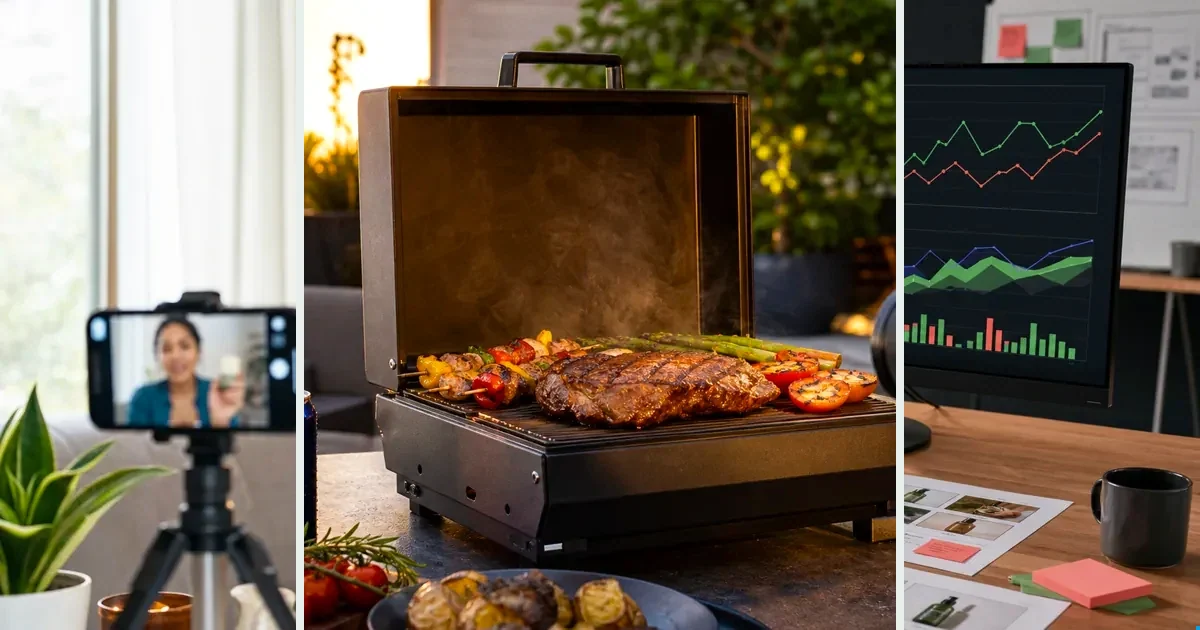
Studio benchmark: 225 credits per 10-second video at 720p (1080p: 330, 4K: 660), in 9:16 or 16:9. About $1.58 on the $7 pack or $1.35 on the $300 pack. Reference video changes the price; see the full grid on /prices. Other Lab models and Workflows vary; check the estimate before you run.
Synthesia for governed presenter video at enterprise scale; InVideo for varied content without procurement. The overlap is thin: script-to-video, different worlds around it.
Side by side
| Synthesia | InVideo AI | |
|---|---|---|
| Buyer | Enterprise L&D/comms | SMB/creators/marketers |
| Output | Presenter-led, horizontal | Mixed assembly |
| Governance | SSO, compliance, brand control | Light |
| Breadth | Narrow, deep | Wide, shallower |
| Price posture | Enterprise seats | Accessible tiers |
Who should pick which?
Pick Synthesia if you are enterprise L&D or internal comms and the requirements say SSO, compliance and brand control. It is narrow and deep: governed presenter video, bought as seats, standardized across a large org.
Pick InVideo AI if you are an SMB, creator or marketer shipping varied content and you cannot wait for procurement. Wide and shallower, accessible tiers, light governance — which is a feature when the team is three people.
Pick neither if the job is vertical product ads. Synthesia's output here is presenter-led and horizontal; InVideo assembles from prompts. Product ads start from the product.
What does the per-video math look like?
Synthesia prices as enterprise seats, InVideo as accessible tiers — both subscriptions, so cost per video is price ÷ what you actually shipped. Seats you keep paying for in quiet months are the hidden line item.
The $7 pack contains 1,000 credits and covers 4 full 10-second Studio videos at 225 credits each, with 100 credits left over. Credit consumption costs about $1.58 per video; the full pack is paid upfront and unused credits never expire.
Weighing production costs against potential value? Explore the research on product video and buying decisions, with sources and video examples.
The question that actually decides it
Not "which is better" — "what's your job?" Match the tool to the output shape you need weekly, the person who'll operate it, and what you pay in months you don't produce. Most regret in this category is a job mismatch, not a quality gap.
When should you switch?
Move when the shape stops fitting. Presenter-led horizontal video does not travel well to paid social feeds. Enterprise seats make no sense for a two-person marketing team. And InVideo's breadth stops helping the day your calendar becomes one thing: product ads, weekly.
Worth knowing before you re-tool: in one merchant's test (r/ecommerce, July 2026), Shopify product pages with 8–10 second demo videos converted about 12% higher, and AI-generated clips performed equal to phone-shot ones. One store's numbers, not an industry study — but it suggests the short demo format is worth testing before you commit to another year of seats.
The third option
If the job behind this comparison is product video ads, there's a route neither takes: start from the product URL. v4v extracts the product data, builds the brief, and generates directed 9:16 ads on Seedance 2.0 / Kling 3.0 / Veo 3.1 at ~$1.58 per video, pay-per-use, no subscription. Different category than either tool above — which is sometimes exactly the point.
The third option: start from the product
If the job is product ads, skip the script — paste a URL and judge the output.
From $7 · no subscription, ever · credits never expire
FAQs
Can I use Synthesia and InVideo AI together?
Teams do — they solve different halves. Check total subscription load against actual monthly output first.
Which is cheaper?
Depends on utilization — both are subscriptions, so effective per-video cost is price ÷ videos you actually make. Run last month's real numbers.
Can Synthesia make vertical product ads?
That is not its lane in this comparison — its output here is presenter-led and horizontal, built for training and comms. If the deliverable is 9:16 product ads, start from a tool shaped for that job.
Do product videos need a human presenter at all?
Often no. In one merchant's test (r/ecommerce, July 2026), 8–10 second product demo clips on Shopify pages lifted conversion about 12%, with AI-generated clips matching phone-shot ones. One store's data, not a study — but presenter-free demos clearly can work.
What is the cheapest way to test AI video before buying seats?
The $7 pack contains 1,000 credits and covers 4 full 10-second Studio videos at 225 credits each, with 100 credits left over. Credit consumption costs about $1.58 per video; the full pack is paid upfront and unused credits never expire.
Which gets a first video out faster?
InVideo AI — accessible tiers, no procurement. Synthesia is bought as enterprise seats, which usually means a sales process before anyone renders anything. Match that to how urgent the first deliverable is.
Facts checked July 16, 2026. Competitor claims from public pricing pages; verify before relying on them.