
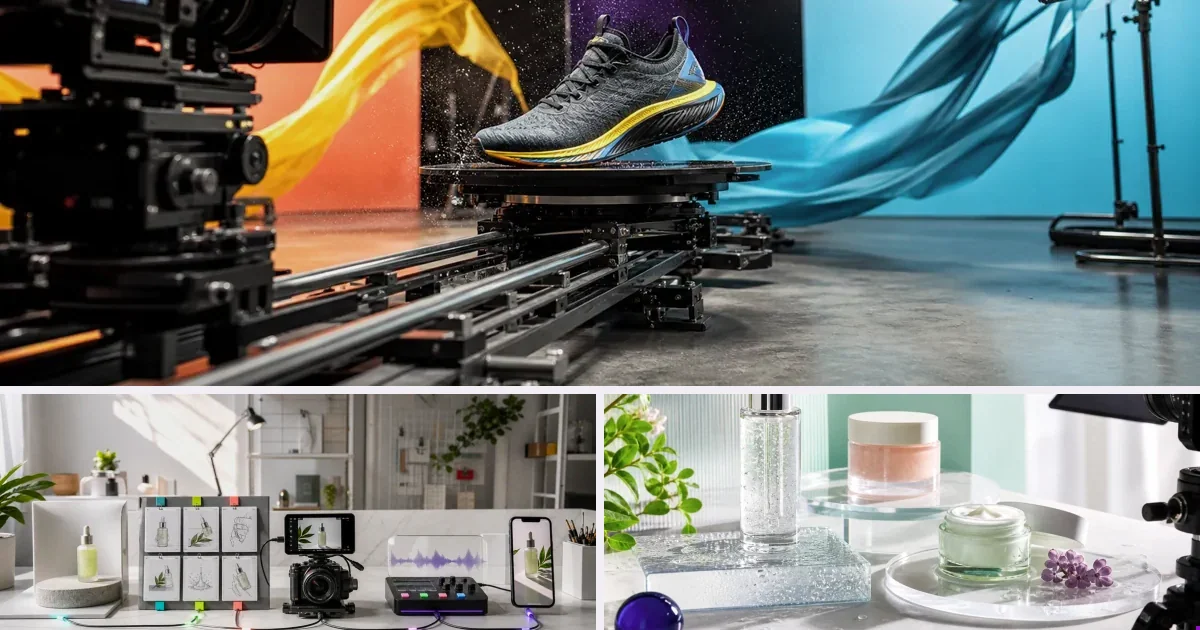
Studio benchmark: 225 credits per 10-second video at 720p (1080p: 330, 4K: 660), in 9:16 or 16:9. About $1.58 on the $7 pack or $1.35 on the $300 pack. Reference video changes the price; see the full grid on /prices. Other Lab models and Workflows vary; check the estimate before you run.
People search for Visla alternatives for concrete reasons — usually per-second credit burn (visual projects at 3× the text rate) on top of subscription tiers, and a comms-video shape that doesn't fit product-ad work. Fair enough: Visla's real strength is turning text, docs and recordings into edited communication video, and if that matches your job, staying is a fine answer. If it doesn't, the table below maps the honest alternatives by use case — including where v4v fits and where it doesn't.
The alternatives, by use case
| Option | When it's the right pick |
|---|---|
| v4v | product ads generated from the product URL, not assembled from source footage |
| Synthesia | training libraries at enterprise polish |
| HeyGen | presenter-led marketing video |
| InVideo AI | broad text-to-video assembly |
Who should pick which?
Synthesia when the job is a training library and enterprise polish is the bar. HeyGen when a presenter carries the message — talking-head marketing video rather than product footage. InVideo AI when you want broad text-to-video assembly across many content types. v4v when the deliverable is a product ad and you'd rather start from the product URL than from footage or a script. And staying with Visla is right when your videos really are communication pieces — text, docs and recordings turned into edited video — and the credit burn stays predictable.
What does pay-per-use actually come to?
20 10-second Studio videos use 20 × 225 = 4,500 credits, about $31.50 at the $7 pack's unit rate. Credit packs are bought in full; unused credits never expire. Budget separately for reruns and any Lab or Workflow steps.
Weighing production costs against potential value? Explore the research on product video and buying decisions, with sources and video examples.
How to choose in five minutes
Decide on three axes: what builds the brief (you vs the system), what you pay when you don't produce (subscription vs pay-per-use), and what the output shape is (feed-native 9:16 ads vs presenter/horizontal/general). Most disappointment with any tool in this category is a mismatch on one of those three — not quality.
Where v4v honestly fits
v4v is the product-ad specialist: URL in → auto-brief → directed 9:16 ad on Seedance 2.0 / Kling 3.0 / Veo 3.1, ~$1.58 per 10-second Studio video, credits that never expire. It does not do long-form, presenter comms libraries, or timeline editing — if that's your need, one of the tools above serves you better, and we'd rather say so here than in your refund email.
What changes in week one if you switch?
- Label last month's videos: comms piece or product ad. The split shows which half of Visla you're replacing.
- Rebuild one real project in the candidate tool — a product ad from a URL in v4v Studio, a presenter or training piece in the tools above.
- Price it at your real volume, including what an idle month costs you.
- Check output shape against destination: feed-native 9:16 ads and horizontal comms video are different deliverables.
Test the v4v route on your own product
Paste a product URL — judge the output on your product, not our copy.
From $7 · no subscription, ever · credits never expire
FAQs
What's the closest direct Visla alternative?
Depends on which half you're replacing — see the use-case table; for the product-ad half specifically, v4v is the purpose-built option.
Is switching expensive?
Most tools here are try-cheap: v4v's entry is a one-time $7 pack (~3 videos) — test against your current per-video cost before any commitment.
Can I keep Visla for comms video and add a tool just for ads?
Yes — that's the common split. v4v has no subscription, so running it alongside costs only what you render; credit packs are one-time and never expire.
How much does a real test of v4v cost?
One $7 pack (1,000 credits) covers five 10-second Studio videos (990 credits) plus a 10-second Gemini Omni clip (180) — three ad-shaped outputs for $7.
What formats does v4v output?
Studio's URL-to-ad flow supports 720p or 1080p, in 9:16 or 16:9. In the AI Lab, Gemini Omni renders 4–10-second clips in 9:16 or 16:9 up to 4K, alongside Seedance 2.0, Kling 3.0 and Veo 3.1.
Do short product videos actually earn their keep?
A July 2026 merchant test on r/ecommerce measured ~12% higher conversion on Shopify product pages carrying 8–10-second demos — with AI-generated clips performing equal to phone-shot ones.
Facts checked July 16, 2026. Competitor claims from public pricing pages; verify before relying on them.