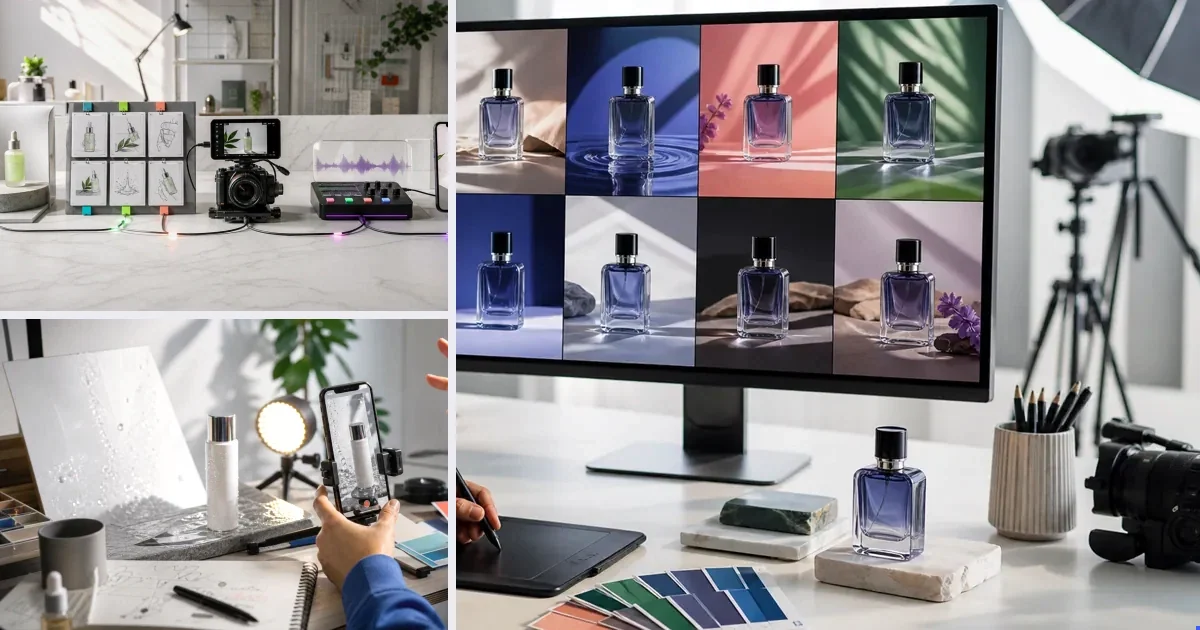
The Lab is v4v's manual mode: direct, per-generation control of the full model stack — video (Seedance 2.0, Kling 3.0 with motion control and avatar lip-sync, Veo 3.1, Wan 2.7, Gemini Omni), image (GPT-image-2, Nano-banana 2), sound (Suno, text-to-voice) and translation (HeyGen v2 precision) — with prompt, duration, aspect, references and credit estimate visible before every run. Use the directed URL flow for finished ads; use the Lab when you want to drive: model shootouts on your own product, custom shots, music generation, image fixes, translations.
What runs in the Lab
| Category | Models |
|---|---|
| Video | Seedance 2.0 · Kling 3.0 (img/motion/avatar) · Veo 3.1 · Wan 2.7 · Gemini Omni |
| Image | GPT-image-2 · Nano-banana 2 |
| Sound | Suno · text-to-voice |
| Translation | HeyGen v2 precision |
Lab workflows that pay
- The A/B: same prompt, two models, pick the winner before scaling.
- The fix-then-animate: repair a product image (Nano-banana 2), then drive it into video (Kling image-to-video).
- The score: generate the exact 12-second track the cut needs (Suno).
Paste a product link. The brief builds itself.
Generate product videos, UGC-style ads and hooks in about 5 minutes.
From $7 · no subscription, ever · credits never expire
FAQs
Do Lab generations use separate credits?
No — one balance across Lab and directed flows; every run logged with model and cost.
Is the Lab harder to use?
It's a control panel, not a timeline — settings per generation, tooltips per field. If you can write a sentence, you can drive it.
Facts checked July 16, 2026. Competitor claims from public pricing pages; verify before relying on them.