
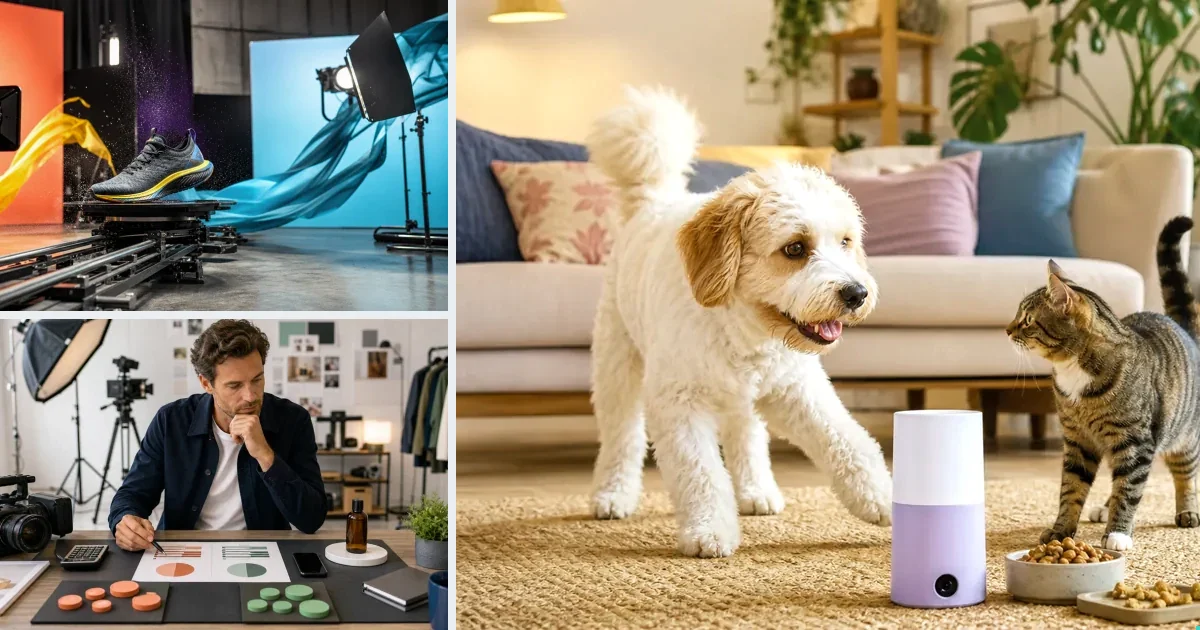
Image-to-video is AI generation conditioned on a still image: the model animates your photo into moving footage, preserving the subject while adding motion — rotation, light sweeps, environment, camera drift. For ecommerce it's the single most useful generation mode, because every store already owns product photos: your PDP images become ad footage without a shoot. Model choice matters — Kling 3.0 leads on preserving product detail through motion; Wan 2.7 offers stylized animation — and preservation rules (exact shape, color, materials) keep the product honest.
Put the idea into practice: product photo-to-video prompt examples, then adapt the product, motion and setting.
Why it beats text-to-video for products
Text-to-video invents a product from description — risky when your actual SKU matters. Image-to-video anchors on the real product, so the ring in the ad is your ring. Accuracy is the difference between an ad and a liability.
How v4v uses it
The product URL import pulls your images; generation animates them per the chosen format. In the Lab you can drive it manually: reference image + motion prompt + duration.
Paste a product link. The brief builds itself.
Generate product videos, UGC-style ads and hooks in about 5 minutes.
From $7 · no subscription, ever · credits never expire
FAQs
Which model is best for image-to-video?
Kling 3.0 for realistic material fidelity; Wan 2.7 for stylized motion. Test cheap on Seedance first if the scene is simple.
Does my photo quality matter?
Yes — clean, well-lit source images produce dramatically better animation. Fix images first (GPT-image-2 / Nano-banana 2), then animate.
Facts checked July 16, 2026. Competitor claims from public pricing pages; verify before relying on them.