Turn your product page into video content.
In Wyzowl's 2026 survey, 85% of consumer respondents said video persuaded them to buy a product or service. Turn your product URL and photos into a creative brief, preview, and AI product video with v4v.ai. Wyzowl, Video Marketing Statistics 2026.
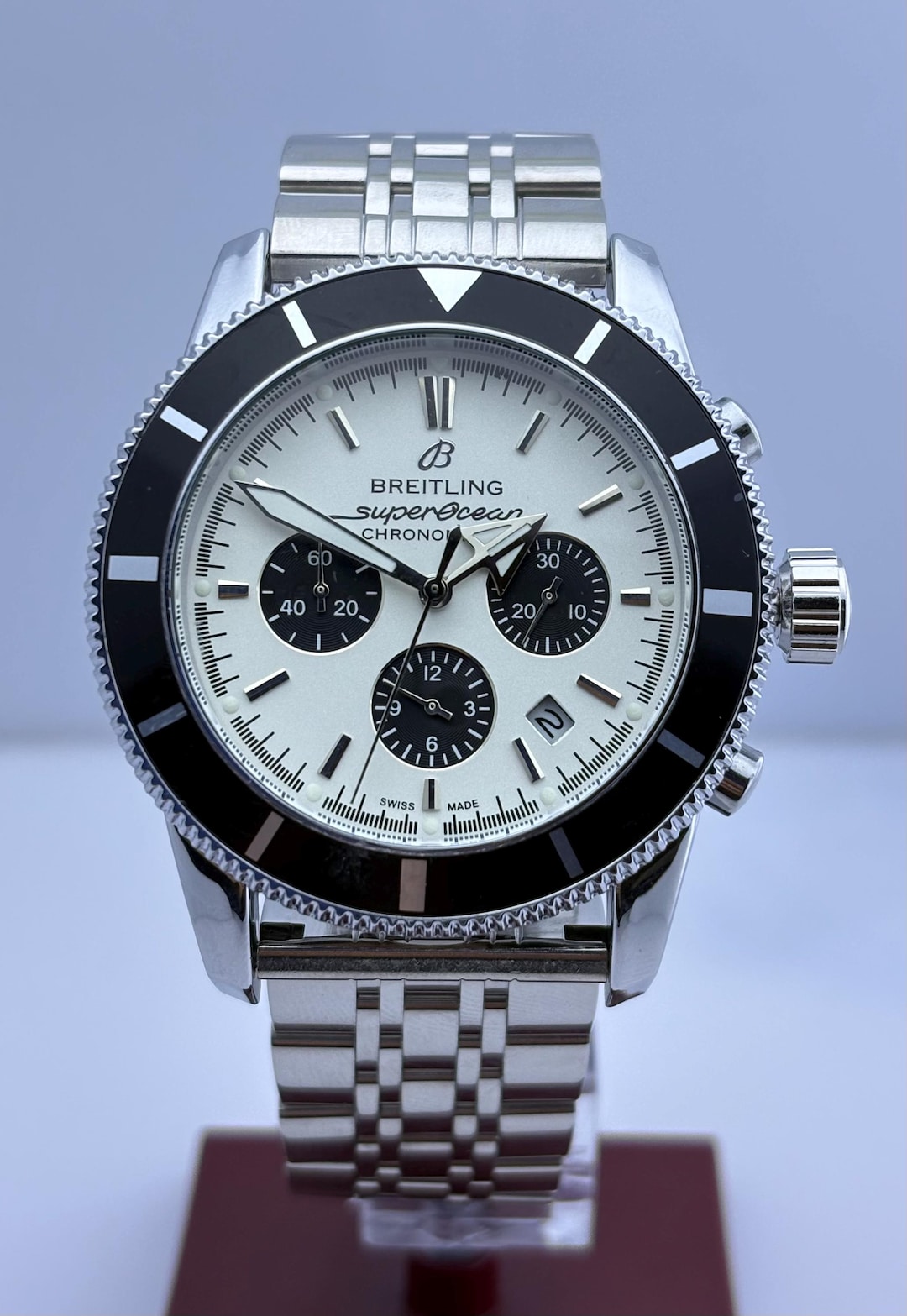
AI watch product video example
Watch an 8-second AI product video featuring a Breitling Superocean watch. With v4v.ai, turn a product URL and reference photos into product videos. Wyzowl's 2026 survey found that video influenced purchases for 85% of consumer respondents; 93% of video marketers reported better product understanding through video. These figures describe industry survey responses.
Source: Wyzowl, Video Marketing Statistics 2026 · Survey of 266 marketers and consumers, fielded in late 2025.
Product video commerce impact
Launch‑ready creative, not raw clips
Every render ships with captions, hooks, and platform-ready crops. You just pick and publish.

Downloadable product video
Review the generated preview, then render and download your finished MP4.
Vertical social video
Create 9:16 creative for short-form placements. Review each channel's requirements before publishing.
Reusable product references
Keep product photos and model references in your project for your next creative idea.
One workflow, every surface
From the product detail page to paid ads and social, v4v covers the whole creative surface.
Hero video on every product page
Add a short product video that shows fit, scale, and material.

Aurea Clear Tennis
- Stainless steel
- 14K gold PVD
- durable, waterproof
Ship more creative, faster, for less
In Wyzowl's 2026 survey, cost (24%) and time (19%) were barriers among marketers who do not use video. Start with 1,000 credits for $7, and review each generation's cost before creating. Wyzowl, Video Marketing Statistics 2026.
Preview before the final render
Review the generated preview and adjust your references or creative direction before rendering the final video.
Direct the creative
Choose product references, a model photo, style, and creative notes to guide the output.
Test another creative direction
Try another hook or creative direction with the same product references. Check the credit cost before each generation.
Launch across the full funnel
The same product URL powers PDP video, paid ads, and short-form social creative.
No editing skills needed
Writers, PMs, and growth leads self-serve. Creative no longer bottlenecks the roadmap.
Use your own references
Upload product images and a model photo, or create a model reference in the builder.
Three steps from link to launch
Drop a URL, tune the creative direction, and export everywhere your product lives — PDPs, ads, and social.
63% of surveyed video marketers use AI to create or edit marketing videos. Follow these three steps to build your product creative. Wyzowl, Video Marketing Statistics 2026.
Paste a product link
Import the product title, description, and photos. Review the details and add your own images when needed.
Pick model, style, scenes
Choose from curated presenters and creative styles — UGC try‑on, unboxing, luxury ad, TikTok hook, clean studio.
Render and publish
Review your preview, render the final video, and download the MP4. Generation time depends on the model and provider queue.
Pay per use. Top up credits once.
Start with a 5-second Seedance video from 95 credits, a Suno track for 12 credits, or a Nano-banana 2 image for 12 credits. Top up once and spend credits only when you create.
Top up credits
One‑time top up.
Questions, answered
Need answers about other tools or your account? Browse all product FAQs and help.
For your next listing or ad, browse product video prompts by category and adapt an example to your store.
How do I turn a product URL into a video?
What ecommerce platforms does v4v.ai support?
Does it work without a Shopify account?
What video formats and aspect ratios can I export?
How much does it cost to generate an AI product video?
How long does product video generation take?
Can I use my own product and model photos?
Is there a free trial?
Your next video starts with a link.
Paste your product URL and start building your creative brief.