
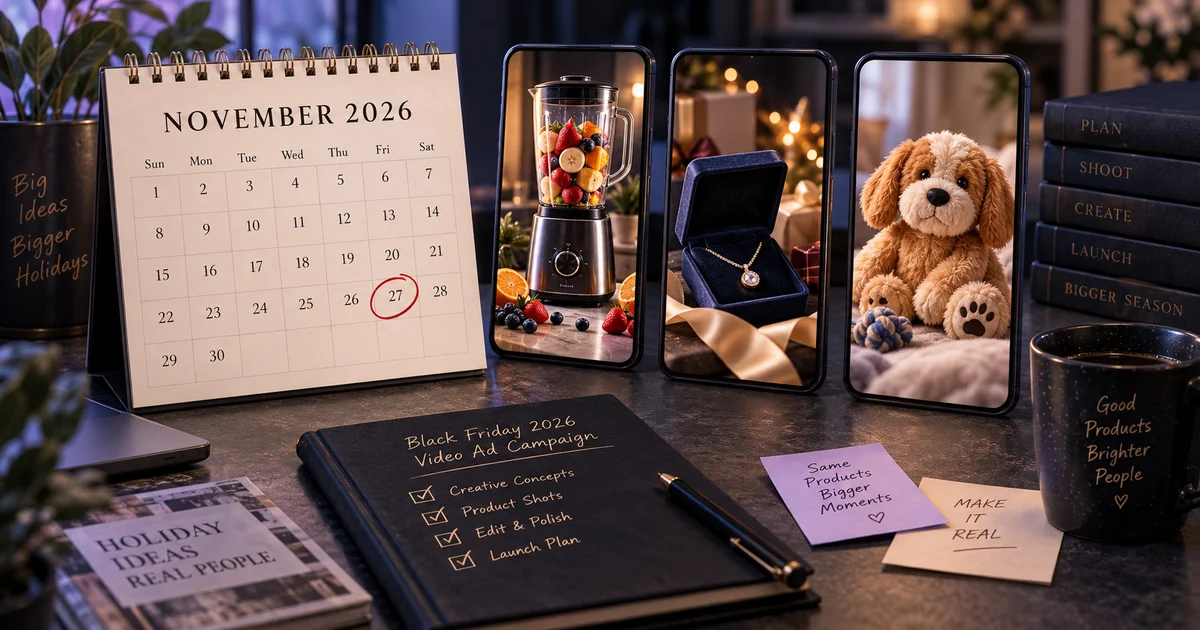
Black Friday 2026 is November 27 and Cyber Monday is November 30. Meta needs about 50 conversions in the week after an ad set's last significant edit to finish learning, so ads that go live in Black Friday week spend the most expensive days of the year still learning. The fix is a calendar, not a bigger budget: make product videos in the last week of October, test them in the first week of November, have the Black Friday ad sets live by November 16, and in peak week change offers, not ads.
The dates that set the plan
Black Friday falls late this year, so it's tempting to start late too. Work backwards from the sale instead:
| Date (2026) | What happens |
|---|---|
| Oct 26 – Nov 1 | Week 1: make. Pick 3–5 hero products and make three video versions of each. |
| Nov 2 – Nov 8 | Week 2: test. Run the versions against each other on a small budget. |
| Nov 9 – Nov 15 | Build the Black Friday ad sets around the winners. Put the videos on product pages. |
| Mon Nov 16 | Black Friday ad sets live: 11 days of delivery before the sale. |
| Fri Nov 20 | Last day for significant edits to those ad sets. |
| Thu Nov 26 | US Thanksgiving. |
| Fri Nov 27 | Black Friday. |
| Mon Nov 30 | Cyber Monday. |
| December | Switch to gifting angles and shipping-cutoff messages. |
The two weeks of real work are the first two rows. Everything after that is about leaving those ads alone.
Why launch date matters more than budget
Meta's delivery system learns who converts on each ad set. Its Help Center flags an ad set as learning limited when it is unlikely to get around 50 optimization events in the week after its last significant edit. Meta's help page on the last significant edit lists what counts as one: pausing the ad set, or changing its optimization event, audience or creative. Bid and budget changes can count too, depending on how big they are.
Two consequences for Black Friday:
- An ad set launched on November 25 is still learning on November 27. Costs per result are at their least stable on the days when auction prices are highest.
- Swapping a "better" video into a winning ad set mid-sale restarts its learning. Most media buyers treat adding a new ad to a live ad set the same way, so new creative goes into a new ad set instead.
If your store is small and doesn't get 50 purchases a week, use fewer ad sets, not more. Meta's own advertiser guidance is to structure ad sets so each one can reach 50 events in 7 days. Five ad sets that each get 10 purchases a week will all stay in learning.
Week 1: pick 3–5 products and make three versions of each
Choose the products. Good Black Friday hero products have:
- Stock depth. Don't spend the peak week advertising something that sells out on Saturday.
- A visible moment: a pour, an unboxing, a texture, a before-use and after-use.
- Gift potential. From late November, many buyers are shopping for someone else.
Make three versions per product, in different formats. Variety of angle matters more than variety of colour or caption. Our Studio formats map onto the three jobs a Black Friday ad has to do:
| Job | Format | What it looks like | Example |
|---|---|---|---|
| Stop the scroll | Hyper Motion | Fast, physical product-hero motion: fruit dropping into a blender, a macro of a ring's texture | Blender example |
| Earn trust | UGC or Review | A person holding the product, talking to camera like a customer would | Pet toy UGC |
| Sell the gift | Unboxing | Box opens, product revealed, first reaction | Pendant unboxing |
| Premium pieces | TV Spot | Cinematic camera and lighting, no creator talking | For furniture, watches, anything over ~$300 |
Keep the discount out of the video. Put "30% off" in the primary text, the headline or a text overlay you can edit in Ads Manager. The clip itself stays evergreen, so it can run again in December and January without being remade. The one exception is a short end card for the peak days, which you can trim later.
Export for the placements you'll actually buy. That's 9:16 for Reels and Stories. Keep text out of the bottom third of the frame, where the Reels interface sits. Our Facebook Reels ads guide has the full spec.
How to make them with v4v: in Studio, paste the product page URL, pick a format and 9:16, and generate. Studio videos are up to 10 seconds, which is the right length for this job. On Shopify, the v4v app does the same from inside your admin: pick a product from your catalogue, preview the clip, then approve or discard it. The free plan includes three videos on install, enough to test one hero product in all three formats.
Week 2: test before the expensive week
Early-November auctions are cheaper than Black Friday week, so this is when you buy your data.
- One test campaign, one ad set per product, with that product's three versions inside it. Same audience, same budget per ad set.
- Run it for 5–7 days. Don't touch it in between: every edit resets what you're measuring.
- Judge on early signals, not purchases. Most stores won't get enough purchases in a week to compare three ads fairly. Use hook rate (3-second views ÷ impressions) to see which opening stops people, and cost per add-to-cart to see which one sells.
- Keep one winner per product, plus a reserve. The reserve is the second-best version. You'll need it in peak week.
Our rule of thumb: if one version's hook rate is clearly behind the other two after a couple of thousand impressions, it isn't going to catch up. Our creative testing explainer covers budgets and kill criteria in more detail.
November 9–16: build the Black Friday ad sets
- New ad sets, built around the winners. Duplicate the winning ads into fresh Black Friday ad sets with the offer copy. Your tested ad sets keep the learning they've already earned.
- Live by Monday, November 16. That gives each ad set 11 days to collect its 50 events before Black Friday.
- Plan budget increases in advance, and in steps. Meta treats big budget jumps as possible significant edits. Raise budgets in moderate steps across the week, or set the peak-days increase ahead of time with Ads Manager's budget scheduling.
- Put the same videos on the product pages. Black Friday traffic from ads, email and search all lands on product pages. The Shopify product page video guide covers every method. The v4v app publishes an approved clip to the product's media in one click.
Peak week: change offers, not ads
From November 20 to November 30, leave the Black Friday ad sets alone. If an ad starts to fatigue (frequency climbing, hook rate falling; see creative fatigue):
- Don't swap the video inside the ad set. Launch the reserve version in a new ad set and let the tired one run down.
- Change the offer in the text, not the video. That's why the discount isn't in the clip.
- Watch frequency on small audiences. Retargeting audiences see the same ad many times in peak week. Your reserve videos are for them.
December: the gifting turn
After Cyber Monday the question changes from "is it a good deal?" to "will it arrive in time, and will they like it?" Two cheap updates:
- Unboxing and gift angles. If you only made Hyper Motion and UGC versions, add an Unboxing version of each hero product in the first week of December.
- Shipping cutoffs in the copy. Put the last order date in the primary text, not in the video, for the same reason as the discount.
What the videos cost
Five hero products × three versions, plus two reserves each, is 25 videos. On the web, v4v credit packs start at $7, with no subscription, and credits never expire. At typical settings the $70 pack covers about 30 videos, so one pack covers this whole plan. On Shopify, start with the three free videos on install to test your best-selling product before buying more.
If you'd rather not make them yourself, the Catalog Pack is done for you: $999 for 25 approved product-page videos, with the first five delivered within three business days.
The window is short. Make the videos in the last week of October and you'll go into Black Friday with tested ads instead of hopeful ones.
Paste a product link. The brief builds itself.
Generate product videos, UGC-style ads and hooks in about 5 minutes.
From $7 · no subscription, ever · credits never expire
FAQs
When is Black Friday 2026?
Black Friday 2026 is Friday, November 27, the day after US Thanksgiving (Thursday, November 26). Cyber Monday is November 30, 2026.
When should I launch Black Friday ads on Facebook and Instagram?
Have your Black Friday ad sets live by about November 16, 2026. Meta flags an ad set as learning limited when it is unlikely to get around 50 optimization events in the week after its last significant edit, so ads that launch in Black Friday week spend the most expensive days still learning.
Should the discount be inside the product video?
Usually not. Put the offer in the ad's primary text, headline or an editable text overlay, and keep the video itself evergreen. The same clip can then run again in December and January without being remade.
How many videos do I need per product for Black Friday?
Three tested versions per hero product, in different formats, plus one or two reserve versions you can launch in a fresh ad set if the winner fatigues during the sale.
Can I make Black Friday product videos inside Shopify?
Yes. The v4v app on the Shopify App Store builds a video from a product in your catalogue, lets you preview and approve it, and publishes it to the product page in one click. The free plan includes three videos on install.