
TL;DR — updated October 1 2026
Google released Gemini Omni Flash 1.1 on August 27, 2026. The update adds first/last frame interpolation, reference character IDs for consistent subjects across shots, scene extension up to 40 seconds total, 360p draft mode, and 4K upscaling. On v4v, an 8-second 360p, 720p, or 1080p generation without video input uses 105 credits — about $0.74 at the entry pack rate. Video-input and 4K generations use different fixed credit amounts. Packs start at $7 for 1,000 credits. Credits never expire. Gemini Omni Flash 1.1 is live in v4v Lab and Studio now.
What Is Gemini Omni Flash 1.1?
Gemini Omni Flash 1.1 is Google's August 2026 update to its multimodal video generation model. The previous version generated short clips from text or image prompts. This release adds structural controls that matter for commercial production: you can now anchor the first frame, the last frame, or both, and pass a reference character ID so the same subject appears consistently across multiple shots. Start with the Gemini Omni prompt patterns, then add the frame or character controls your shot needs.
Google announced the update on August 27, 2026, describing it as part of a broader push toward production-ready video generation with precise temporal and character controls.
For DTC brands and paid social teams, these additions close a real gap. Before first/last frame control, you could generate a strong clip but had no guarantee it would cut cleanly to the next scene. Before reference character IDs, getting the same person or product to look identical across a multi-shot ad required manual iteration or luck.
What Does First/Last Frame Control Actually Do?
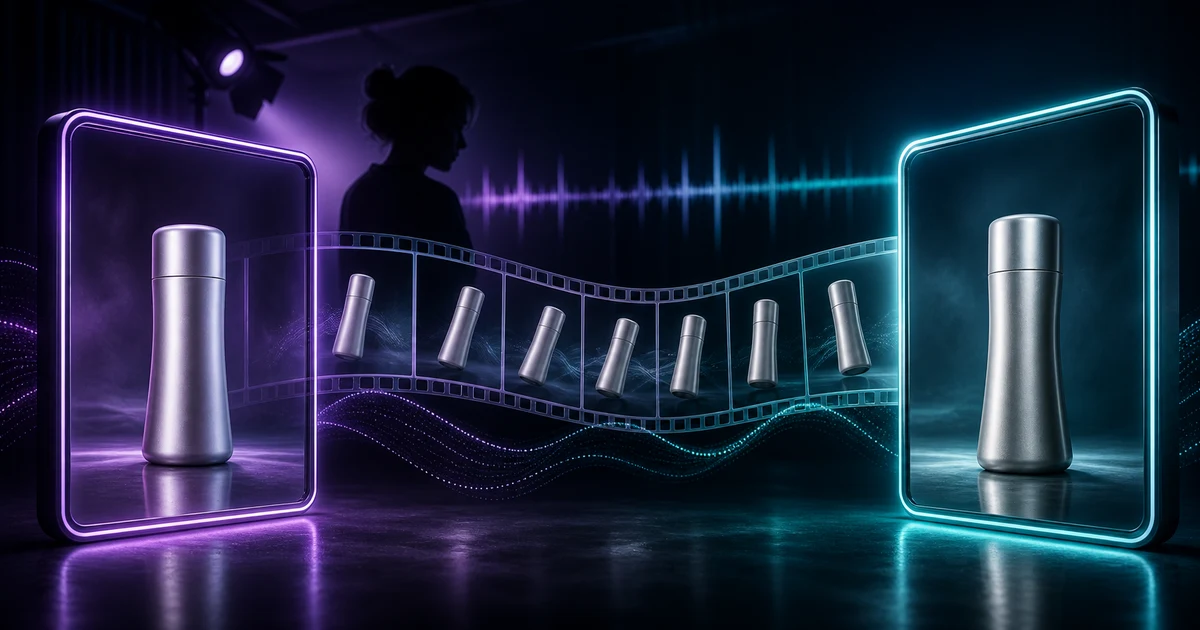
First/last frame interpolation lets you supply an image for the opening frame, the closing frame, or both. The model generates the motion between them.
This is not a convenience feature. It changes how you structure a production pipeline.
Starting frame only: Supply a product shot or character pose, and the model generates forward motion from that exact visual state. The output begins precisely where your reference image ends.
Ending frame only: Define where the clip must land — a product at a specific angle, a person in a specific position — and the model generates the motion that arrives there. Useful for transitions where the exit frame must match the entry of the next clip.
Both frames: Define the start and end state, and the model fills the motion between them. This is the most controlled mode. It works well for short product demos where you know the before and after but want the model to handle the movement.
Scene extension builds on this. A single generation can now extend to 10 seconds of context, and you can chain extensions to reach 40 seconds total. For a 30-second ad, that means generating the full sequence in connected passes rather than assembling disconnected clips.
How Do Reference Character IDs Work?
Reference character IDs let you pass an image or short video of a subject — a person, a product, a mascot — and tag it with an identifier. Subsequent generations referencing the same ID produce that subject with consistent appearance.
Without this, multi-shot consistency required either a single long generation (which limits control over individual shots) or extensive post-production to match subjects across clips. Reference IDs move that consistency work into the generation step itself.
For ecommerce, the practical use is product consistency. If you're generating a five-shot product video, you want the same product, same color, same label, in every shot. Reference character IDs give you that without reshooting or manually editing each frame.
For brands running avatar-based ads, the same logic applies to a spokesperson. Generate a reference from your approved avatar image, tag it, and every scene in the sequence draws from that reference.
What Are the Resolution Tiers and Pricing?
v4v prices Gemini Omni Flash 1.1 by duration, resolution, and whether a video reference is supplied:
- 360p, 720p, or 1080p without video input: 63 credits for 4 seconds, 84 for 6 seconds, 105 for 8 seconds, or 126 for 10 seconds.
- 4K without video input: 147 credits for 4 seconds, 168 for 6 seconds, 189 for 8 seconds, or 210 for 10 seconds.
- With video input: 168 credits per generation at 360p, 720p, or 1080p; 252 credits at 4K.
Credit packs start at $7 for 1,000 credits and never expire. An 8-second standard-resolution generation without video input therefore costs about $0.74 at the entry pack rate.
The 360p draft mode is a useful iteration layer. Run the prompt at 360p, check composition, motion, and framing, then select a higher resolution once the output is right.
4K output is available from the model settings. Because 4K uses more credits, validate the creative direction at a lower resolution before the final render.
How Is This Available in v4v?
Gemini Omni Flash 1.1 is live in v4v Lab and Studio. Lab is where you iterate on individual generations — testing prompts, adjusting frame references, checking motion before committing to a full sequence. Studio is where you assemble those generations into a directed ad.
The first/last frame controls surface as input fields in the generation interface. Upload your reference image for the start frame, end frame, or both, and the model handles the interpolation. Reference character IDs work through the same reference image input — tag your subject, and subsequent shots in the same session draw from that reference.
If you're running a product catalog, the workflow is straightforward: upload your product image as a reference character ID, set your first frame to your standard product shot, generate the motion sequence, then extend or chain scenes to reach your target length. The output is a consistent, directed clip from a single product image. No film crew required.
Turn your product page into a video in under 5 minutes →
For context on how Gemini Omni Flash 1.1 compares to other models available in v4v, see the guides for Seedance 2.0, Wan 2.7, and Nano-banana 2.
Does This Change How You Should Structure Ad Creative?
Yes — in a specific way. First/last frame control shifts the creative decision from "what will the model generate" to "where does this shot start and end." That is a fundamentally different brief to write.
Before: you described motion in a prompt and hoped the output matched your cut points.
Now: you define the visual states at the boundaries, and the model fills the motion between them. Your prompt describes what happens between those states, not what the states are.
For paid social, this matters at the shot level. A 9:16 ad for TikTok or Reels typically runs 8 to 15 seconds. With first/last frame control, you can generate each shot to cut precisely to the next. The assembly step in Studio becomes closer to editing than to salvaging.
Reference character IDs matter most for multi-ad campaigns. If you're running three or four creative variants of the same product ad, reference IDs keep the product visually identical across variants. You test hooks, motion styles, and CTAs without introducing product inconsistency as a variable.
What About the v4v Shopify App?
The v4v Shopify app is live on the Shopify App Store: pick a product in Shopify admin, preview the clip, and publish it to the product page. Three videos free on install.
When it does, Gemini Omni Flash 1.1's reference character ID feature will be directly relevant. Product images from your Shopify catalog become the reference inputs. First frame control means the video opens on your exact product shot. The output attaches to the product page without leaving the admin.
In a merchant test shared on r/ecommerce (July 2026), product pages with 8–10 second demo videos converted roughly 12% higher — one store's result, not an industry benchmark. The direction is consistent with what you'd expect from adding motion to a static product page.
Credit Packs and How to Start
v4v runs on credit packs, not subscriptions. Packs start at $7 for 1,000 credits, and credits never expire. An 8-second standard-resolution generation without video input uses 105 credits — about $0.74 at the entry pack rate.
To use Gemini Omni Flash 1.1, select it as the model in Lab or Studio. Draft iterations at 360p cost fewer credits. Final renders at 1080p or 4K cost more. The tiered structure means you're not paying 4K rates on every iteration pass — only on the outputs you actually use.
See current pack options at v4v.ai/prices.
Paste a product link. The brief builds itself.
Generate product videos, UGC-style ads and hooks in about 5 minutes.
From $7 · no subscription, ever · credits never expire
FAQs
What is Gemini Omni Flash 1.1?
Gemini Omni Flash 1.1 is Google's August 2026 update to its multimodal video generation model. It adds first/last frame interpolation, reference character IDs for subject consistency, scene extension up to 40 seconds, 360p draft mode, and 4K upscaling. Google announced the release on August 27, 2026.
What does first/last frame control do in video generation?
It lets you supply a reference image for the opening frame, the closing frame, or both. The model generates the motion between those defined visual states. This gives you precise control over how a shot starts and ends, which makes multi-shot assembly significantly cleaner.
What is a reference character ID?
A reference character ID is an identifier tied to a reference image or short video of a specific subject. Subsequent generations using the same ID produce that subject with consistent appearance across shots. It is useful for product consistency in catalog videos and for maintaining a consistent avatar or spokesperson across a campaign.
How does v4v price Gemini Omni Flash 1.1 generations?
Packs start at $7 for 1,000 credits and never expire. Without a video input, an 8-second generation uses 105 credits at 360p, 720p, or 1080p, and 189 credits at 4K. With video input, a generation uses 168 credits at standard resolutions or 252 credits at 4K.
Is the v4v Shopify app available?
The v4v Shopify app is live on the Shopify App Store: pick a product in Shopify admin, preview the clip, and publish it to the product page. Three videos free on install.
Can I generate 4K video with Gemini Omni Flash 1.1 on v4v?
Yes. Select 4K in the model settings. Without video input, 4K uses 147, 168, 189, or 210 credits for 4, 6, 8, or 10 seconds. With video input, a 4K generation uses 252 credits. Test at a lower resolution first when you want to reduce iteration cost.