
TL;DR — updated October 1 2026
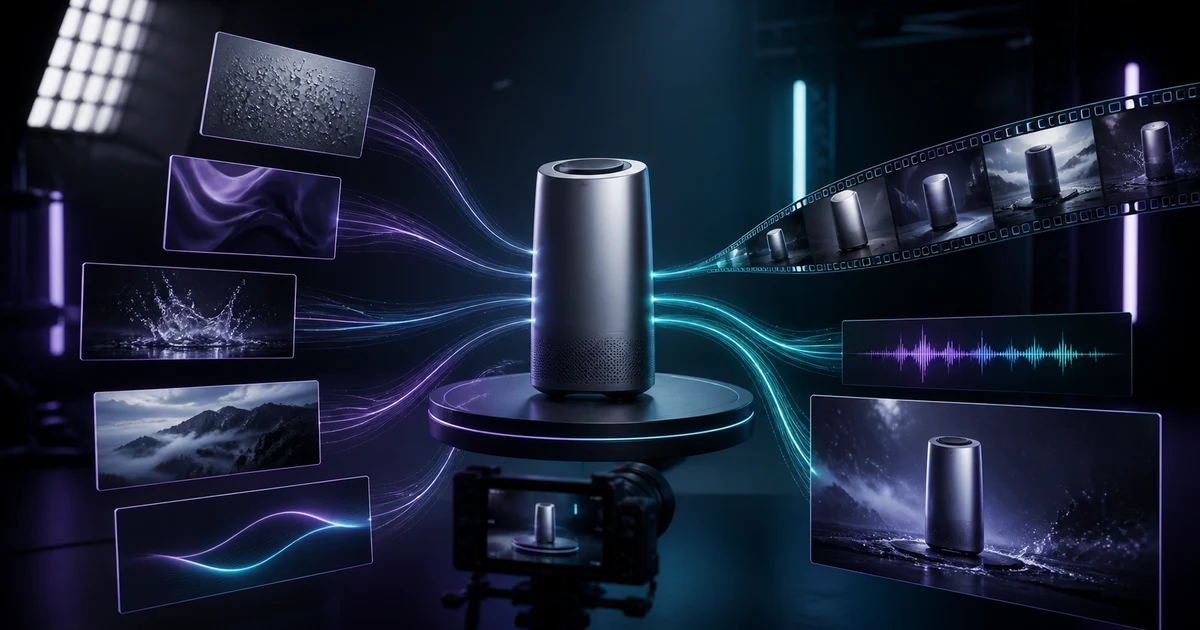
MiniMax H3 is an open-weight omni-modal model that generates video with native stereo audio in a single pass — up to 15 seconds at 2K resolution. On v4v, it runs across three modes: text-to-native-audio video, image animation with first/last-frame control, and reference-guided generation that accepts up to 9 images, 3 video clips, and 3 audio tracks in one context window. That last mode is the real differentiator for product ads. Instead of describing your product in a prompt, you show the model exactly what it looks like. The result is consistent, on-brand creative without a film crew. Credits on v4v start at $7 for 1,000. An 8-second output uses 64 credits at 768P or 104 credits at 2K, before any additional-image charge, and credits never expire.
What makes MiniMax H3 different from earlier video models?
Most video generation models work in sequence. You generate video, add audio separately, then spend time correcting the mismatch between the two. MiniMax H3 was built differently.
It is an open-weight, general-purpose omni-modal model that treats video, audio, and language as a unified context from the start. Per MiniMax's own H3 announcement, the model generates native stereo audio alongside video — synchronized at the frame level — rather than layering sound on after the fact. For product ads, that means voiceover, ambient sound, or product audio that actually matches what is happening on screen, without manual editing.
Resolution tops out at 2K, and clips run up to 15 seconds. That covers every major short-form ad format, from a 6-second bumper to a 15-second TikTok or Reel.
The unified-context architecture also means the model holds multiple reference inputs simultaneously rather than processing them one at a time. That is the foundation for the reference-guided mode — and the reason it produces more consistent results than models that handle references sequentially, as scenario.com's breakdown of H3's architecture explains.
What are the three MiniMax H3 modes on v4v?
Mode 1: Text to native-audio video
You write a prompt. The model generates video and audio together in one pass. No separate audio step, no timeline editing.
This mode works well for concept ads where you do not have existing product imagery, or for generating background footage with ambient sound. Voiceover, music bed, and sound design all come out of a single generation job.
For a DTC operator who needs a fast variant of a campaign concept, this is the quickest path from idea to a watchable clip.
Mode 2: Image animation with first and last frame control
You supply a product image and the model animates it. The first/last-frame option lets you define the start and end state of the motion, so the animation follows a predictable arc rather than producing random movement.
That control matters for product ads specifically. A skincare bottle that rotates 90 degrees and lands label-forward is a repeatable, controlled motion. Without first/last-frame inputs, animation models tend to produce unpredictable camera drift or object deformation. The control inputs constrain that.
The output still carries native audio, so you can pair the animation with a narration prompt or ambient sound in the same generation.
Mode 3: Reference-guided generation
This is the mode that separates MiniMax H3 from most alternatives. According to fal.ai's documentation on H3's reference-to-video capability, you can pass up to 9 reference images, 3 video clips, and 3 audio tracks into a single context window — and the model uses all of them simultaneously to guide the output.
In practice, that means feeding the model your product shots, a motion reference, and a brand audio cue at the same time. The model synthesizes across all three input types rather than running them as separate instructions. The result is significantly more consistent character and object appearance across frames compared to models that process references one at a time.
For product advertising, the implication is direct: your product looks like your product in the output, not a plausible approximation of it. That is the gap reference-guided generation closes.
Why does reference-guided generation matter more than prompt engineering?
Prompt engineering for visual consistency is a workaround, not a solution. You can describe a product's color, shape, and material in precise language — the model is still interpreting text. Two prompts describing the same product will produce two different-looking products.
Reference images remove the interpretation step entirely. The model sees the object. It does not have to imagine it from a description.
The 9-image input limit in H3 is meaningful here. You can cover multiple product angles, colorways, and lighting conditions in a single context. The model builds a richer internal representation of the object than it could from one reference image or any text prompt.
This is why reference-guided generation is the default recommendation for any product ad where brand consistency matters. Style, motion, and audio all follow the same principle: show the model what you want. Do not describe it.
Turn your product page into a video in under 5 minutes →
How does v4v's credit pricing work for MiniMax H3?
v4v uses a credit-pack system. No subscriptions. You buy credits, use them, and they never expire.
Packs start at $7 for 1,000 credits. MiniMax H3 uses 8 credits per second at 768P or 13 credits per second at 2K. Input-video duration is billed at the same resolution rate; audio input is free. The first five reference images are free, and each additional image uses 4 credits. Your balance works across all v4v models, so testing H3 against Seedance 2.0 or Wan 2.7 requires no separate plan.
That structure makes creative testing predictable. An 8-second generation uses 64 credits at 768P (about $0.45 at the entry pack rate) or 104 credits at 2K (about $0.73), before charges for reference images beyond the first five.
For current pack options, see v4v.ai/prices.
How does MiniMax H3 fit into a product ad production pipeline?
A typical product ad pipeline using H3 on v4v looks like this:
- Source reference assets. Pull 4–9 product images covering different angles and lighting conditions. Add any existing brand video clips or audio cues if available.
- Choose your mode. Reference-guided generation for brand-consistent product ads. Image animation for single-hero-shot formats. Text-to-native-audio for concept or lifestyle footage.
- Set first/last frame if using image animation. Define start and end states to control the motion arc.
- Generate and review. An 8-second output uses 64 credits at 768P or 104 credits at 2K, before any additional-image charge. Check product accuracy and audio sync.
- Iterate on the reference set. If the output drifts from the product's appearance, add more reference angles rather than rewriting the prompt.
The iteration loop is faster than traditional production because the variable is the reference set, not a film setup. Swapping one reference image takes seconds.
One merchant test shared on r/ecommerce (July 2026) found that product pages with 8–10 second demo videos converted approximately 12% higher. That is a single store's result, not an industry study — but it points to why getting a consistent, accurate product video is worth iterating on.
Can you use MiniMax H3 with the v4v Shopify app?
The v4v Shopify app is live on the Shopify App Store: pick a product in Shopify admin, preview the clip, and publish it to the product page. Three videos free on install.
For operators running large catalogs, that step is not trivial. Generating 50 product videos and uploading each one manually adds hours to a process that should take minutes.
What should you actually use MiniMax H3 for in product ads?
The strongest use cases, based on H3's architecture:
- Hero product shots with controlled motion. Image animation plus first/last-frame control. One reference image, defined start and end position, native audio narration.
- Multi-angle product showcases. Reference-guided generation with 6–9 images covering the full product. The model holds the product's appearance consistent across the clip.
- Style-matched campaign variants. Feed a video reference of the campaign style you want to match, plus your product images. The model applies the motion and visual style to your product.
- Audio-synced product demos. Text-to-native-audio mode for demos where voiceover needs to match the action precisely. No post-production audio sync required.
The mode to avoid for brand-critical product ads is unconstrained text-to-video without reference images. Prompts alone do not reliably reproduce a specific product's appearance. Use references. If you want to compare H3's reference handling against a different generation approach, Nano-banana 2 is worth running side by side.
The principle that holds across all three modes
Reference inputs outperform text descriptions every time visual accuracy matters. For product ads, visual accuracy is not optional. It is the difference between an ad that builds trust and one that looks like a plausible version of your product.
MiniMax H3's unified context architecture makes multi-reference generation practical at this cost level for the first time. Use it. Prompt-only generation is a fallback, not a strategy.
Explore what MiniMax H3 can do for your product ads at v4v.ai.
Paste a product link. The brief builds itself.
Generate product videos, UGC-style ads and hooks in about 5 minutes.
From $7 · no subscription, ever · credits never expire
FAQs
What is MiniMax H3?
MiniMax H3 is an open-weight, general-purpose omni-modal AI model that generates video with native stereo audio in a single pass. It supports clips up to 15 seconds at 2K resolution and accepts text, image, video, and audio inputs simultaneously.
What does "native audio" mean in MiniMax H3?
The model generates audio and video together in one pass, synchronized at the frame level. It is not a separate track added after video generation. The result is audio that matches the on-screen action without manual editing.
How many reference inputs does MiniMax H3 accept?
Up to 9 reference images, 3 video clips, and 3 audio tracks in a single context window. All inputs are processed simultaneously, not sequentially.
How much does it cost to generate a video with MiniMax H3 on v4v?
MiniMax H3 uses 8 credits per second at 768P or 13 credits per second at 2K. Input-video duration uses the same rate, audio input is free, the first five reference images are free, and each additional image uses 4 credits. Packs start at $7 for 1,000 credits and never expire.
What is the difference between image animation and reference-guided generation in H3?
Image animation takes a single image and animates it, with optional first/last-frame control to define the motion arc. Reference-guided generation accepts up to 9 images, 3 videos, and 3 audio tracks to guide the entire output — producing more consistent results for complex or multi-angle product ads.