
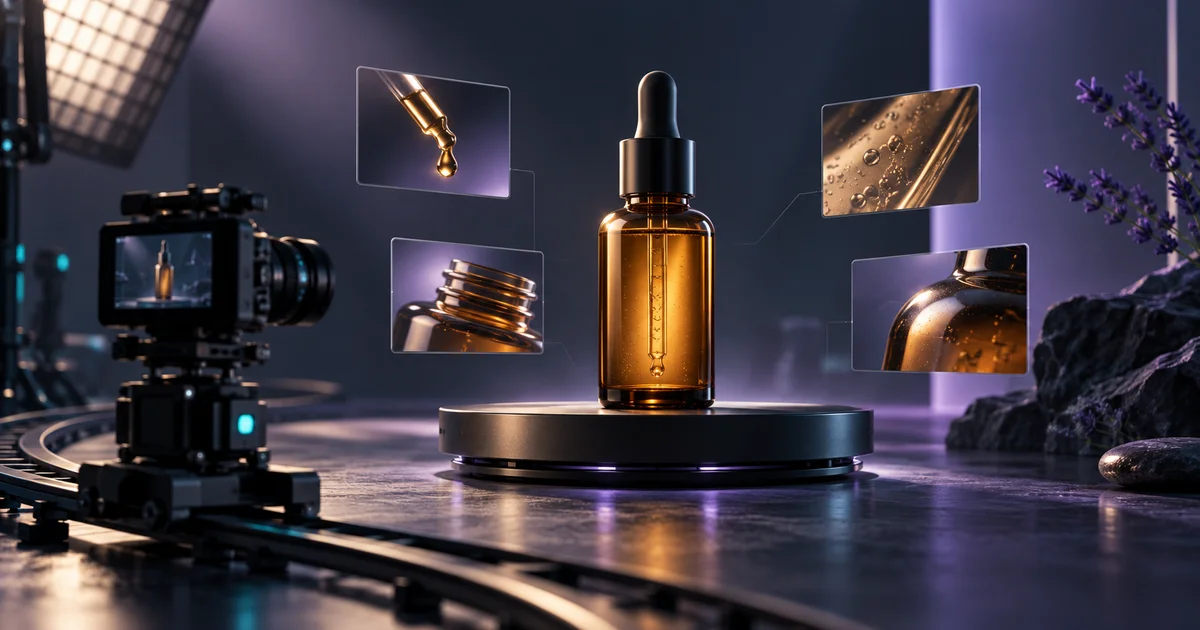
TL;DR — reviewed September 22, 2026: You don't need a camera, a studio, or a video editor to make a strong product showcase video in 2026. AI video tools can turn a product URL, a few images, or a short brief into a polished demo clip in minutes. The catch is knowing which approach actually highlights your product's features — rather than filling the screen with generic stock footage. This article covers what makes a product showcase video work, how AI handles the heavy lifting, what to watch out for, and how tools like v4v fit into a zero-budget workflow for ecommerce sellers.
What Makes a Product Showcase Video Actually Work?
A product showcase video has one job: show the product doing what it does, clearly enough that a viewer understands why they should buy it.
That sounds obvious. But most product videos fail because they prioritize aesthetics over clarity. Slow pans, vague lifestyle shots, music that drowns out any real information — none of that tells a shopper whether the zipper is waterproof or how the sizing runs.
The videos that convert tend to share a few traits:
- They show the product in use, not just sitting on a surface.
- They highlight a specific feature — not every feature at once.
- They're short. Eight to fifteen seconds is enough for most product pages and ads.
- They have a clear visual hierarchy — the product is always the focal point.
The problem for most small sellers and indie brands is production cost. A proper shoot with a videographer, lighting, and editing can run $500 to $2,000+ per video. That's not viable when you're testing ten new SKUs a season.
How Does AI Actually Generate a Product Showcase Video?
AI video generation has moved well past novelty. The better tools in 2026 take structured inputs — a product URL, product images, a title, or a short description — and produce a short video with motion, text overlays, transitions, and sometimes voiceover.
The workflow typically looks like this:
- Input your product. Paste a URL, upload images, or describe the product.
- The AI analyzes what it has. It identifies the product category, key visual elements, and any text it can extract — features, specs, price.
- It generates a video structure. Scene order, text placement, motion effects, and transitions are assembled automatically.
- You review and export. Most tools let you adjust text, swap scenes, or change the aspect ratio before downloading.
What AI does well here is speed and consistency. It can draft scenes from consistent inputs, but product names, shapes, angles and brand details still need human review.
What it doesn't do yet is capture physical texture, demonstrate complex assembly, or replace a genuine lifestyle shoot for premium brands. For most ecommerce use cases, though, it's more than enough.
Which Features Should You Actually Highlight?
This is where most sellers go wrong — they try to show everything.
A 10-second video can't communicate 12 product features. Pick one or two that answer the buyer's most likely objection. Ask yourself: what's the thing a customer would hesitate over before buying?
For apparel, that's usually fit or material. For tech accessories, it's compatibility or size. For home goods, it's scale — does this actually fit in a normal kitchen?
A practical framework:
- Lead with the problem the product solves. One sentence or visual.
- Show the product solving it. The feature in action.
- End with the product clearly visible. Name, variant, or key spec on screen.
This structure works for a 6-second TikTok clip, a 15-second Instagram Reel, or a product page embed. It also maps well to what AI tools are designed to produce — short, structured, feature-focused clips.
What Does a Low-Budget AI Workflow Look Like in Practice?
Here's a realistic workflow for a solo seller or small ecommerce team:
Step 1: Gather your inputs. Good product images — at least 3 to 4, ideally on a clean background — your product name, and two or three feature bullets. That's genuinely all you need.
Step 2: Use an AI video tool built for product data. Tools like v4v are designed specifically for this. Paste a product link or upload your assets, and the tool generates a short video optimized for product pages and ads. There's no subscription — v4v runs on a credit-pack system, with packs starting from $7 for 1,000 credits. For illustration, a 349-credit workflow quote would cost approximately $2.44 at the entry pack rate. Credits don't expire, so you're not paying for time you don't use.
Step 3: Review the output for feature accuracy. AI doesn't always prioritize the right feature. Watch the generated clip and check: is the key differentiator visible? Is the product name readable? Does the pacing feel off?
Step 4: Export for your channel. Resize for your platform — square for product pages, vertical for TikTok and Reels, horizontal for YouTube. Most tools handle this in one click.
Step 5: Attach it to your product page. This is where the Shopify integration matters. v4v is building a Shopify app that generates and attaches videos directly to product pages from inside Shopify admin — coming soon, join the waitlist at v4v contacts. Until then, you can upload the exported video manually to your product page or run it in ads.
What Are the Limitations You Should Know About?
AI-generated product videos are fast and affordable, but they're not magic. A few honest limitations:
They depend on the quality of your inputs. Blurry images produce blurry videos. If your product photos were taken in bad lighting, the video will reflect that.
They don't replace hands-on demos. If your product requires assembly, has a tactile selling point like softness or weight, or needs a human to demonstrate scale, you'll eventually want at least one filmed clip.
Text accuracy needs a check. AI sometimes pulls the wrong spec from a product page or abbreviates a feature in a misleading way. Always read the text overlays before publishing.
Style consistency across a catalog takes setup. Generating videos for 50 SKUs without a template first means your product pages will look inconsistent. Establish a style guide before you scale.
None of these are dealbreakers for most ecommerce use cases. They're just things to build into your review step.
Is AI Product Video Good Enough for Paid Ads?
Short answer: yes, for most ad formats.
Check the destination platform’s current advertising and synthetic-media requirements before publishing AI-generated video. Performance depends on creative quality, not production method. A well-structured 8-second AI clip with a clear hook and visible product can be tested against filmed creative; production method alone does not determine performance.
For TikTok specifically, native-looking content tends to outperform polished production. AI-generated clips that feel like product demos — not ads — often fit that brief well.
One caveat: if you're running ads at scale and testing creative variations, you need a tool that lets you generate multiple versions quickly. That's where a credit-based model like v4v's makes more financial sense than a per-seat subscription.
Make Your First Video Before You Overthink It
The biggest barrier to product video isn't budget — it's inertia. Sellers wait for a "proper" shoot that never gets scheduled while their competitors are already running AI-generated clips on product pages and in ad sets.
You have product images. You have a product description. That's enough to start.
Turn your product page into a video with v4v →
If you want to see what a product video built from a product link looks like before committing any credits, v4v lets you explore the output first. No subscription, no monthly commitment — just credits when you need them.
Paste a product link. The brief builds itself.
Generate product videos, UGC-style ads and hooks with a guided workflow.
Try v4vFrom $7 · no subscription, ever · credits never expire
Pricing example: 349 × $0.007 = $2.44 at the $7 credit pack. This is illustrative, not a fixed model or finished-ad price. Model, duration, resolution, input media and additional workflow steps affect the live quote. Repeated attempts add cost. See current pricing.
Review Synthetic Content Before Publishing
Use licensed assets and consented voices or likenesses. Do not present a fictional presenter as a real customer giving a testimonial. TikTok requires disclosures for AI-generated or substantially AI-modified ad media; follow its official ad disclaimer guidance and check the destination platform before each campaign.
FAQs
Q: Can I make a product showcase video without any product footage?
A: Yes. AI tools can generate a product video from images alone — no filming required. You provide product photos and a description; the tool handles motion, text, and structure. The output works well for product pages, social ads, and email campaigns.
Q: How long should a product showcase video be?
A: For product pages and paid ads, 8 to 15 seconds is the practical sweet spot. It's long enough to show a feature in context, short enough to hold attention. TikTok and Reels can go up to 30 to 60 seconds if you're telling a fuller story, but most product demos don't need that.
Q: Does AI video work for physical products with complex features?
A: It works best for products where the key selling point is visual — appearance, size, color, or a simple function. For products that require detailed assembly or tactile demonstration, AI video is a useful supplement to filmed content, not a full replacement.
Q: How much does it cost to make an AI product video with v4v?
A: v4v uses a credit-pack system with no subscription. Packs start at $7 for 1,000 credits, and an 8-second video costs approximately $2.44. Credits never expire, so you pay only for what you use.
Q: Can I use AI-generated product videos on TikTok Shop and Amazon?
A: Check the current rules for the placement before uploading. AI-generated media still needs accurate product information, appropriate rights and any required disclosures. Follow the platform’s content and format requirements.